Open Cash Receipts
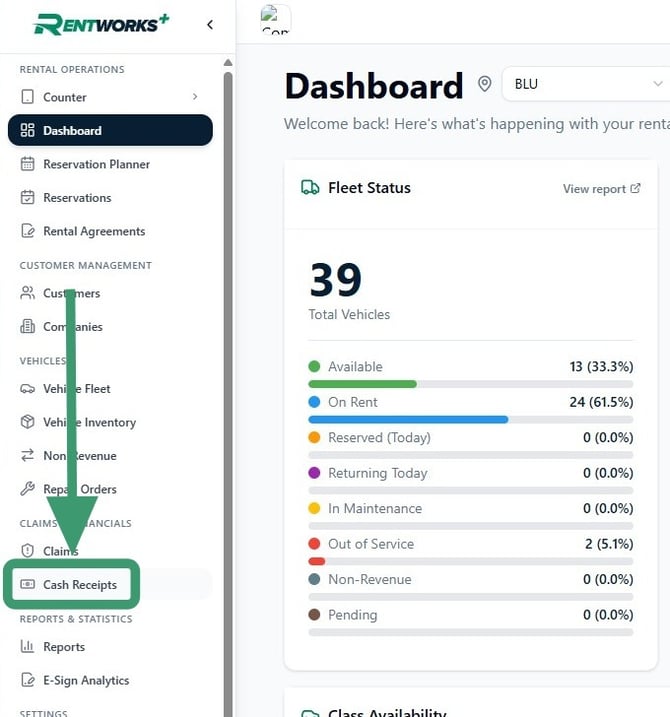
1. From the sidebar, click Cash Receipts under the Claims & Financials group.
Find the company
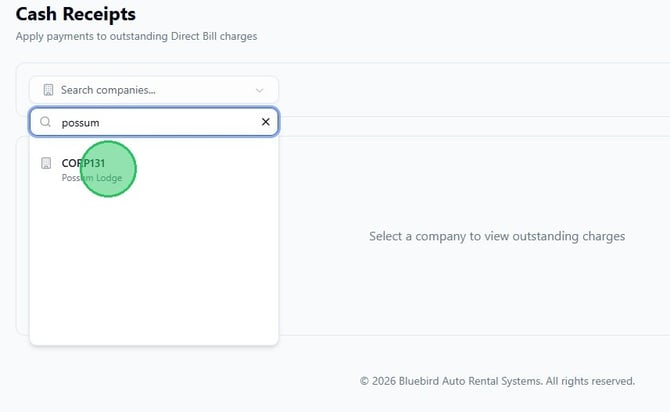
2. In the Search companies… field, type the company name or code. Select the matching result from the dropdown.
Start the credit memo
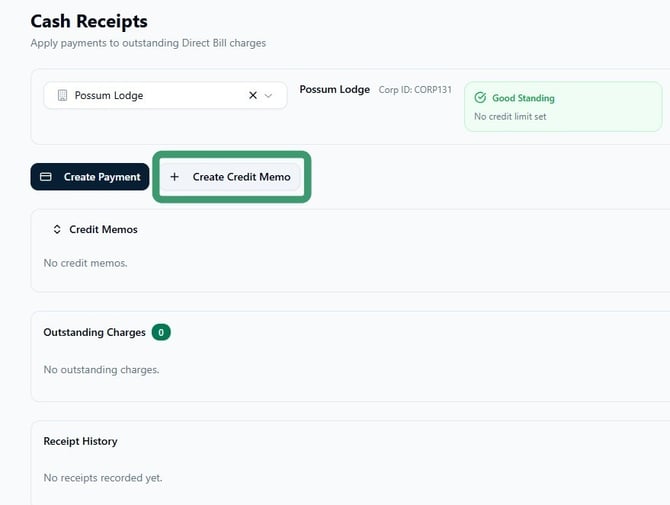
3. Once the company loads, click + Create Credit Memo. The page also shows the company's credit standing, any existing credit memos, outstanding charges, and receipt history.
Fill in the credit memo details
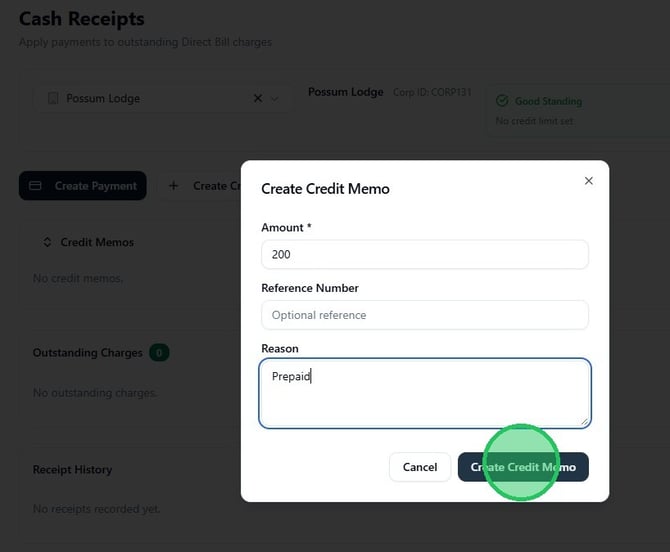
4. In the Create Credit Memo dialog, enter the Amount (required), an optional Reference Number, and a Reason. When complete, click Create Credit Memo to save.