Access E-Sign Analytics
1. In the sidebar under Reports & Statistics, click E-Sign Analytics.
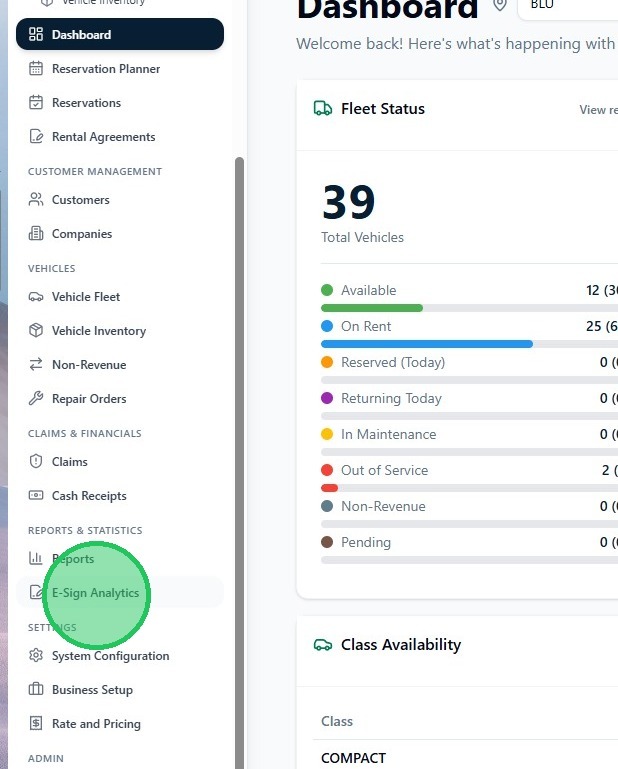
The E-Sign Analytics page shows a summary of signature activity for your location, including Total Signers, signed count, and pending or incomplete requests. Signing in RentWorks+ is handled through Signiphi (Ampliphi) — e-signature requests are sent from the checkout and check-in flows on open contracts.
Download the report
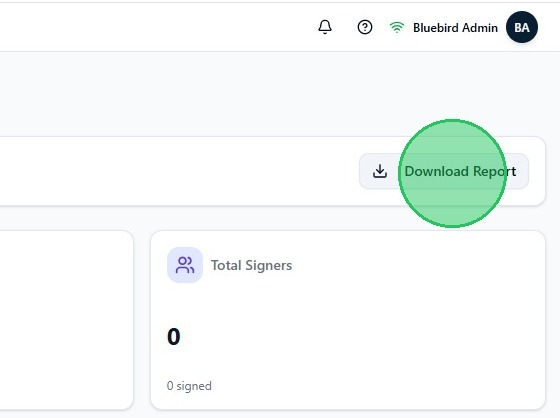
2. Click Download Report in the top right corner of the page. The report downloads immediately as a file containing all e-signature transaction data for the current view.