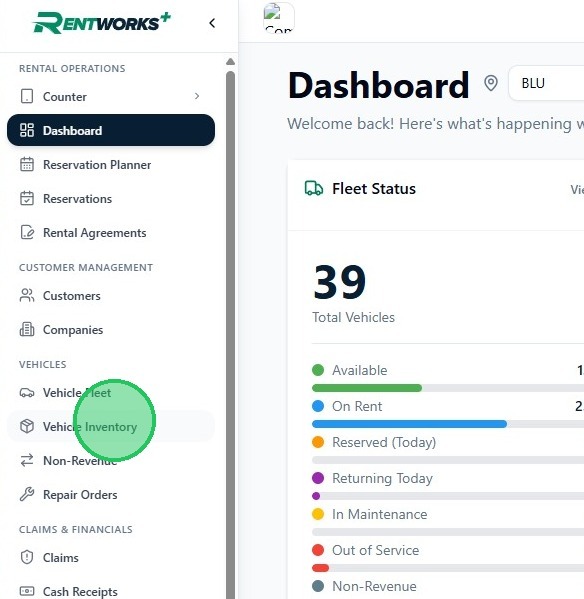
1. From the sidebar, select Vehicle Inventory under the Vehicles group.
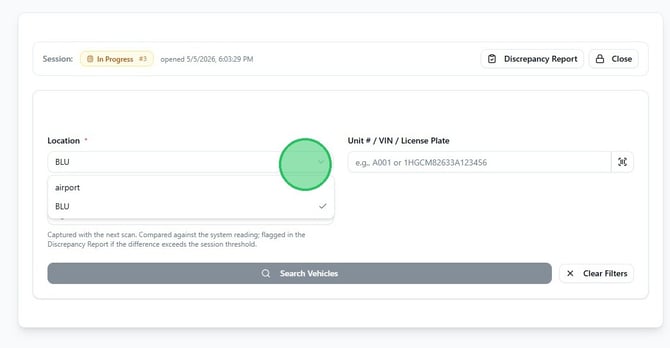
2. Select your Location from the dropdown, then click the Unit # / VIN / License Plate field and enter the vehicle's unit number, VIN, or license plate. You can also enter a reading in the Physical odometer field — if the value differs from the system odometer by more than the session threshold, the vehicle will be flagged in the Discrepancy Report.
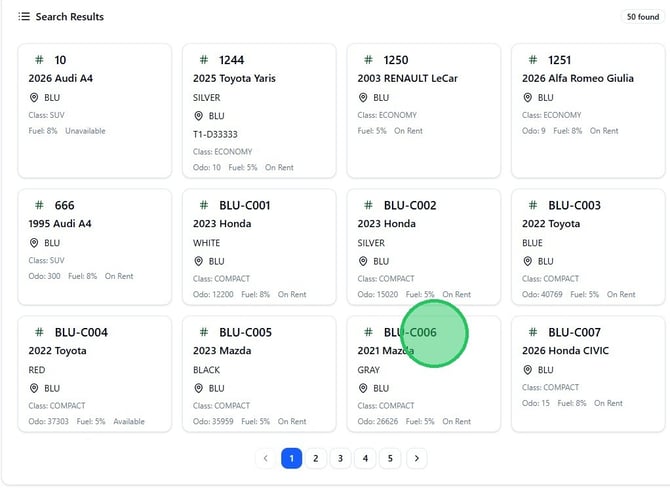
3. Click Search Vehicles. Results appear as vehicle cards below the search form. Each card shows the unit number, year, make, location, class, odometer, fuel level, and current status.
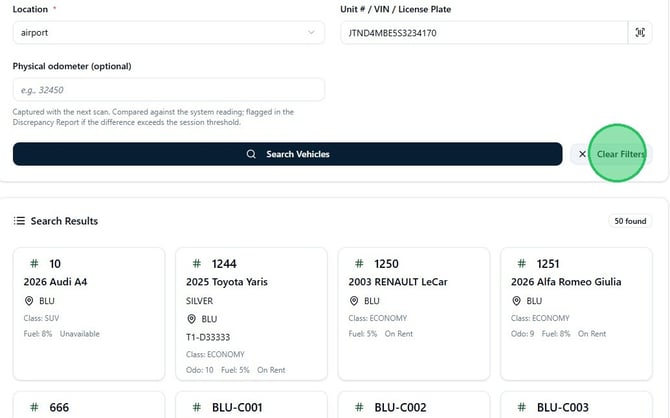
4. To run a new search, click Clear Filters to reset the fields, reselect a Location, and enter a new identifier before clicking Search Vehicles again.
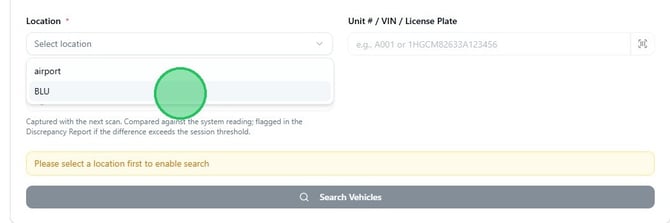
Record a vehicle to the session
5. Click a vehicle card to select it and record it to the current inventory session. The Inventory Session panel at the bottom of the page updates immediately, showing the number of vehicles recorded so far.
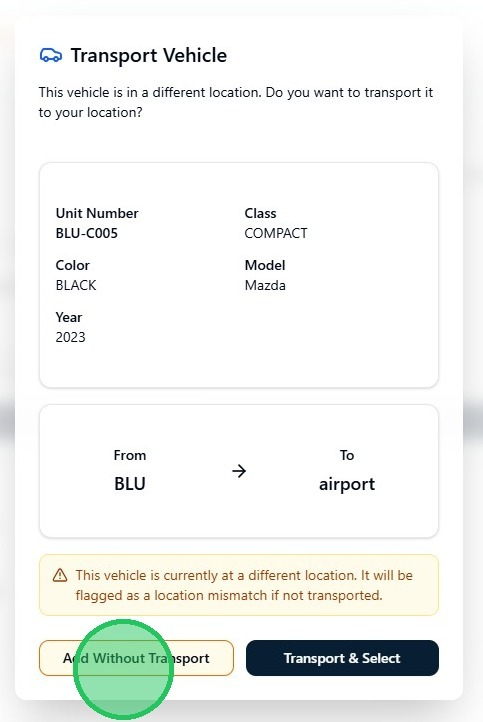
6. If the selected vehicle is registered to a different location than your current session, the Transport Vehicle dialog appears. To record the vehicle without creating a transport, click Add Without Transport — the vehicle will be flagged as a location mismatch. To create a transport and record the vehicle, click Transport & Select.
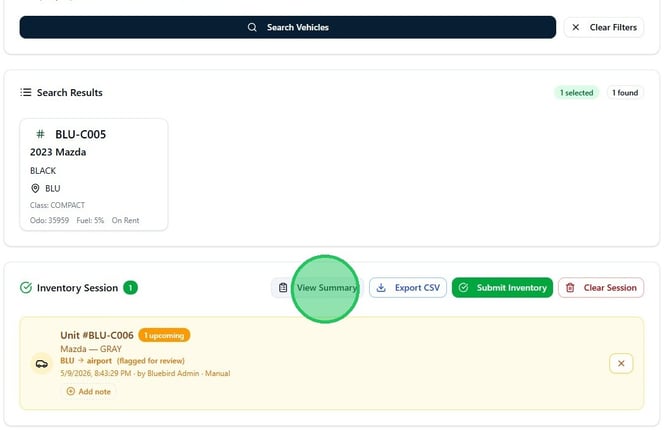
Review the session and export
7. The Inventory Session panel lists every vehicle recorded in the current session. Click View Summary to open a full session summary, Export CSV to download the session data, Submit Inventory to close out the session, or Clear Session to remove all recorded vehicles and start over.
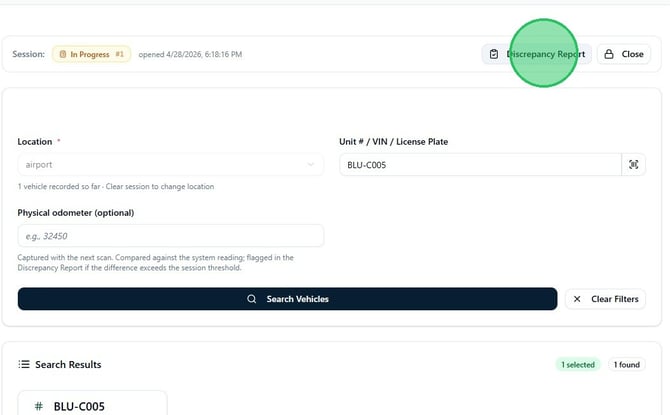
8. To check for vehicles that are missing, unexpected, or have odometer variances, click Discrepancy Report in the session bar at the top of the page. The report lists flagged vehicles by category and can be exported to CSV.